# Give every idea room to connect.
> An embeddable whiteboard with shapes, connectors and export.
Language: en
Canonical: https://texuli.com/solutions/canvas/
Markdown: https://texuli.com/solutions/canvas.md (this page). Every texuli.com page has a Markdown twin at its URL plus `.md` (the home page is https://texuli.com/index.md), and any page URL answers `Accept: text/markdown` with its twin instead of HTML.
Last Updated: 2026-11-13
---
Solution · Canvas
Shape ideas into a board, move through it with the keyboard, then export SVG or PNG. Your app owns persistence, image hosting and collaboration transport.
Status: in development
[Sketch a launch plan](https://texuli.com/solutions/canvas/#demo)[Build with Canvas](https://texuli.com/solutions/canvas/#quickstart)
## Sketch a launch plan
Try this
- Select a shape, then move it with the arrow keys or the move controls.
- Add a priority note or select two shapes and connect them.
- Undo an edit, open View source, and Reset the starting example.
Use Reset to return to the starting example.
Launch plan canvas preview
Launch plan canvas preview - Explore (Frame) - Talk to twelve customers (Sticky note) - Test the first prototype (Sticky note) - Decide (Frame) - Choose the beta scope (Sticky note) - Write the quality bar (Sticky note) - Build (Frame) - Build the beta (Sticky note) - Prepare the release (Sticky note) - Connector from Test the first prototype (Sticky note) to Choose the beta scope (Sticky note) - Connector from Write the quality bar (Sticky note) to Build the beta (Sticky note)
Add selected shapes to the connection selection
0 shapes selected
Launch plan canvas loaded. Select a shape or use the canvas controls.
Launch plan canvas
Launch plan canvas - Explore (Frame) - Talk to twelve customers (Sticky note) - Test the first prototype (Sticky note) - Decide (Frame) - Choose the beta scope (Sticky note) - Write the quality bar (Sticky note) - Build (Frame) - Build the beta (Sticky note) - Prepare the release (Sticky note) - Connector from Test the first prototype (Sticky note) to Choose the beta scope (Sticky note) - Connector from Write the quality bar (Sticky note) to Build the beta (Sticky note)
### Canvas shapes
Select a shape. Use the arrow keys to move it, or hold the selection toggle to choose two shapes to connect.
- Explore frame
- Decide frame
- Build frame
- Talk to twelve customers sticky
- Test the first prototype sticky
- Choose the beta scope sticky
- Write the quality bar sticky
- Build the beta sticky
- Prepare the release sticky
If the interactive demo cannot load, use the static preview above.
## What a canvas can do
### Turn scattered ideas into a clear board
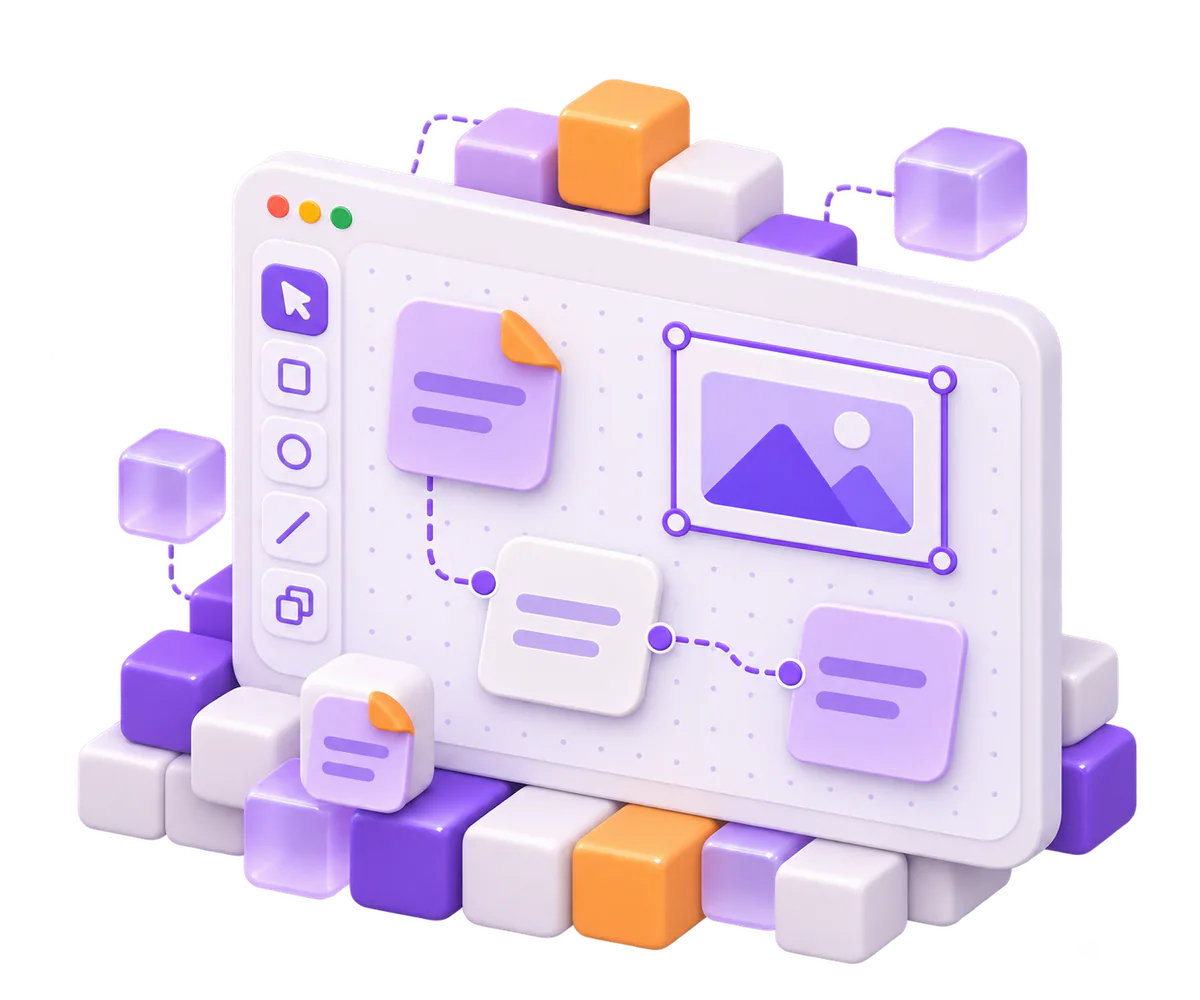
Arrange shapes, notes, images, frames and groups, then connect them with straight, elbow or curved lines. Snapping transforms and reversible operations keep each edit in the board history.
- Draw

### Keep every shape within keyboard reach
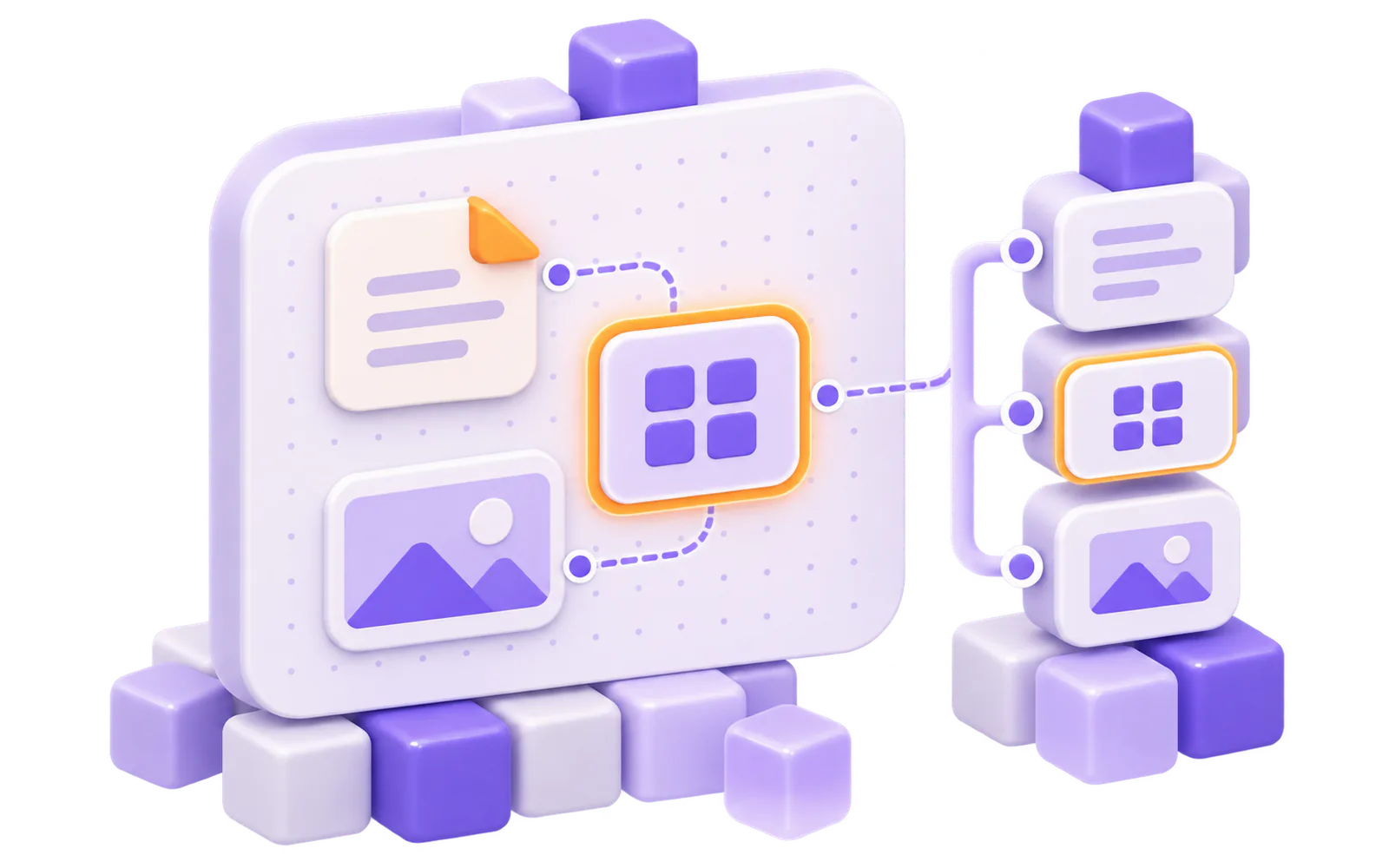
Move through shapes in reading order, or use the shape tree to find a shape or connector. Focus and edits stay visible and are announced as you work.
- Keyboard and tree navigation
### Keep shared boards in step
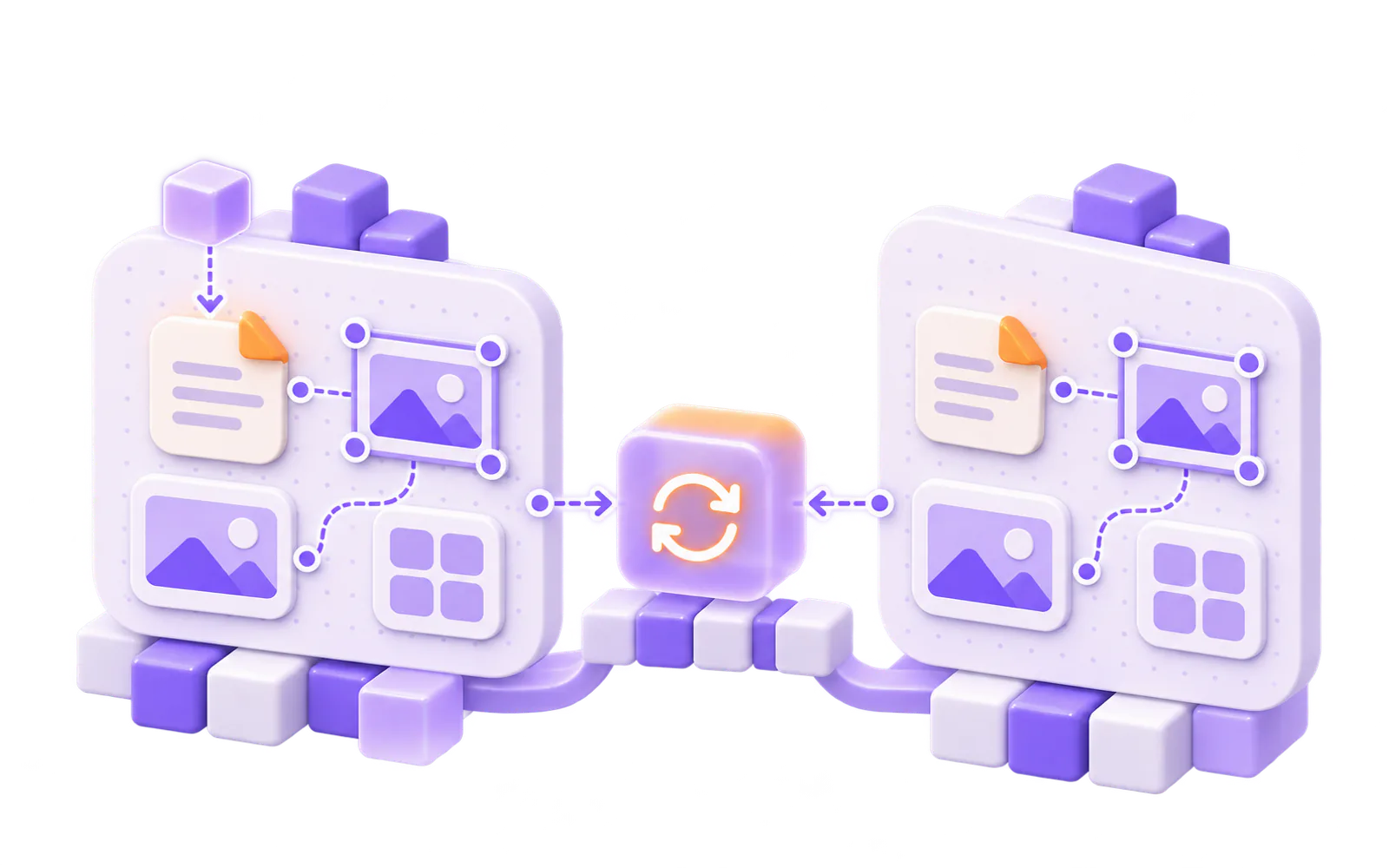
The document sync adapter validates each batch and applies the same canvas rules on every replica. Your app supplies the transport; Texuli does not host a realtime service.
- Local collaboration
### Carry the board into SVG or PNG
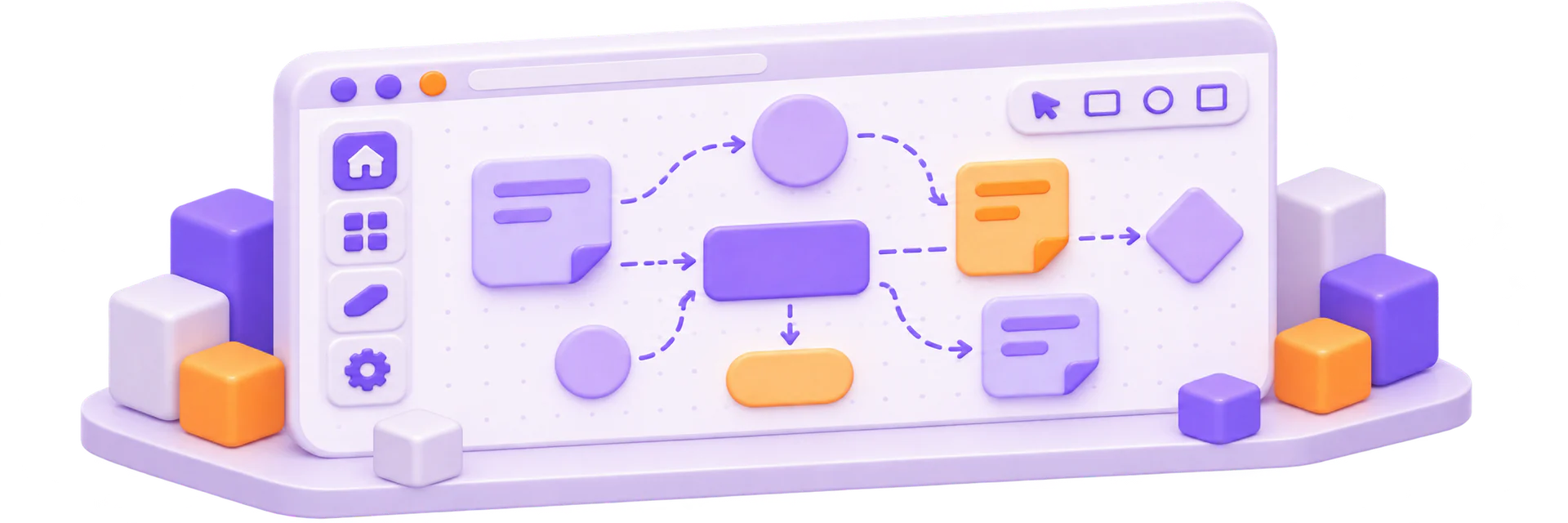
Export escaped SVG or render a PNG in the browser. Text stays text in the SVG output, and image URLs follow the URL policy.
- Export
## From shape model to SVG or PNG.
- ### Model Define shapes and connectors as validated data with reversible operations.Package: `@texuli/canvas`
- ### Edit Edit on a canvas with pan, zoom, snapping and transforms.Package: `@texuli/canvas`
- ### View Show a read-only canvas with its structure as text and a shape tree.Package: `@texuli/canvas`
- ### Sync Sync replicas through the document adapter; your app supplies transport.Package: `@texuli/canvas`
- ### Export Export SVG or browser-rendered PNG; image URLs follow the URL policy.Package: `@texuli/canvas`
Canvas is built from @texuli/canvas, on texuli, @texuli/document, @texuli/core, @texuli/deck and @texuli/drag.
Solution
Canvas
Packages
- L4[`@texuli/canvas`](https://www.npmjs.com/package/@texuli/canvas) Canvas model, editor, viewer, sync and export Subpaths: ./model · ./editor · ./viewer · ./sync · ./export
Built on
- L3 `texuli` (Styled components)
- L1 `@texuli/document` (Document engine)
- L0 `@texuli/core` (Texels and the URL policy)
- L0 `@texuli/deck` (Deck model and engine)
- L0 `@texuli/drag` (Drag engine)
Build with Canvas
## Start with a canvas
### Install
```
pnpm add @texuli/canvas
```
### Create a canvas
```
import { applyCanvasOps, createCanvas } from '@texuli/canvas/model';
const canvas = createCanvas({ title: 'Launch plan' });
const added = applyCanvasOps(canvas, [
{
op: 'add',
shape: { id: 'ship', type: 'sticky', x: 0, y: 0, width: 160, height: 160, text: 'Ship' },
},
]);
if (added.ok) {
console.log(added.doc.shapes.length);
}
```
### Load untrusted JSON
```
import { loadUntrustedCanvas } from '@texuli/canvas/model';
const result = loadUntrustedCanvas({
"format": "texuli-canvas",
"formatVersion": 1,
"meta": {
"title": "Launch plan",
"locale": "en"
},
"grid": 8,
"shapes": [
{
"id": "ship",
"type": "sticky",
"x": 0,
"y": 0,
"width": 160,
"height": 160,
"text": "Ship the Northwind beta",
"color": "yellow"
}
],
"connectors": []
});
if (result.ok) {
console.log(result.canvas.shapes.map((shape) => shape.id));
}
```
### Edit with CanvasEditor
```
{#if canvas}
{/if}
```
Verified by `apps/website/tests/solutions/canvas-quickstart.test.ts`
## Recipes
- ### [Embed the canvas editor](https://texuli.com/guides/solutions/canvas/) Mount the editor on a canvas document, then export it, step by step in the Canvas docs.
- ### [Install the package (external site)](https://www.npmjs.com/package/@texuli/canvas) Add @texuli/canvas from npm (pre-1.0, in development).
## For agents
Agents emit a canvas as data through the canvas catalog id. The host app checks it with validateDraft and the canvas check before painting; the remote MCP server refuses canvas nodes. The packages are in development.
- [MCP server](https://texuli.com/mcp-server/)
- [Agent skill](https://texuli.com/skill/)
- [Building with agents](https://texuli.com/agents-page/)
- `canvas` canvas: In developmentCatalog component that carries a whole canvas in its canvas prop.
- `validateDraft` validateDraft: In developmentCatalog check; canvas nodes pass only with the checkCanvas hook from the canvas host.
- `skills/texuli/blueprints/SKILL.md` skills/texuli/blueprints/SKILL.md: In developmentSkill stage J: forms, canvases, sheets and data sources as agent data.
## Platforms
- ### Web Web: In developmentSvelte 5 packages published on npm (pre-1.0).
- ### Compose Desktop Compose Desktop: PlannedKotlin Multiplatform renderer on the JVM, built in this repository.
- ### Android Android: PlannedNative renderer target.
- ### iOS iOS: PlannedNative renderer target.
[How the native renderer works](https://texuli.com/native/)
## More Solutions
- ### [Slides](https://texuli.com/solutions/slides/) Write decks as JSON or Markdown and present them in the browser.Status: in development
- ### [Documents](https://texuli.com/solutions/documents/) Edit, read, paginate and export block documents.Status: in development
- ### [Workflows](https://texuli.com/solutions/workflows/) Author and view workflow graphs inside your app.Status: in development
- ### [Sheets](https://texuli.com/solutions/sheets/) An embeddable spreadsheet with formulas and CSV.Status: in development
- ### [Design systems](https://texuli.com/solutions/design-systems/) Carry one brand document across Texuli surfaces.Status: available
- ### [Dashboards](https://texuli.com/solutions/dashboards/) KPI boards people arrange, from the keyboard too.Status: in development
- ### [Forms](https://texuli.com/solutions/forms/) Schema-driven forms with conditions, steps and drafts.Status: in development
- ### [Agent chat](https://texuli.com/solutions/agent-chat/) A thread whose replies paint validated blueprints.Status: in development
- ### [Rich text editor](https://texuli.com/solutions/editor/) Owned rich text with Markdown in and out, safe paste and export to any chat.Status: in development
## Start building with Canvas
An embeddable whiteboard with shapes, connectors and export.
[Build with the Canvas API](https://texuli.com/guides/solutions/canvas/)[@texuli/canvas on npm](https://www.npmjs.com/package/@texuli/canvas)
## For agents
Sketch a launch plan: the live Canvas demo runs in the browser on fixture data. Runs in the browser on one fixture board; nothing is saved. The live parts run in the browser and are not in this Markdown; the operations below do the same work through the read-only MCP server at https://texuli.com/mcp (no sign-in; see https://texuli.com/auth.md).
Limits today:
- Pre-1.0 and in development: a new minor version may break the API.
- Collaboration is local or in memory, not a hosted realtime service.
- Persistence, transport and image hosting belong to the host app.
MCP operations ([reference](https://github.com/DailybotHQ/texuli/blob/main/packages/tools/docs/ops.md#operations)):
- `catalog.search`: Search the component catalog.
- `component.get`: Read a component manifest.
- `blueprint.validate`: Validate a blueprint draft.
Docs:
- [Canvas docs](https://texuli.com/guides/solutions/canvas/)
- [@texuli/canvas README](https://github.com/DailybotHQ/texuli/blob/main/packages/canvas/README.md)