# Workflow graphs you can draw, check and embed.
> Author and view workflow graphs inside your app.
Language: en
Canonical: https://texuli.com/solutions/workflows/
Markdown: https://texuli.com/solutions/workflows.md (this page). Every texuli.com page has a Markdown twin at its URL plus `.md` (the home page is https://texuli.com/index.md), and any page URL answers `Accept: text/markdown` with its twin instead of HTML.
Last Updated: 2026-11-13
---
Solution · Workflows
Model approvals as typed nodes and edges, validate edits, and shape the graph with automatic layout, a canvas or a keyboard outline. Your app runs them.
Status: in development
[Edit the approval flow](https://texuli.com/solutions/workflows/#demo)[Start building](https://texuli.com/solutions/workflows/#quickstart)
## Edit an approval flow
Try this
- Start the demo, then select a step or change its label.
- Add a notification step, or arrange the graph from left to right.
- Use Reset example to return to the starting approval flow.
Use Reset to return to the starting example.
Expense approval workflow preview
- Submit expense Expense request Submitted to Manager review
- Manager review Manager review Approved to Approved; Rejected to Rejected
- Approved Outcome
- Rejected Outcome
4 steps · 3 connections
Expense approval workflow loaded. Use the step list or action buttons to explore it.
Expense approval workflow graph
- Submit expense Expense request Submitted to Manager review
- Manager review Manager review Approved to Approved; Rejected to Rejected
- Approved Outcome
- Rejected Outcome
### Workflow steps
Select a step. Use the up and down arrow keys to move through the list.
- 1 Submit expense
- 2 Manager review
- 3 Approved
- 4 Rejected
If the interactive demo cannot load, use the static preview above.
## What a workflow graph can do
### Stop invalid changes before they land.
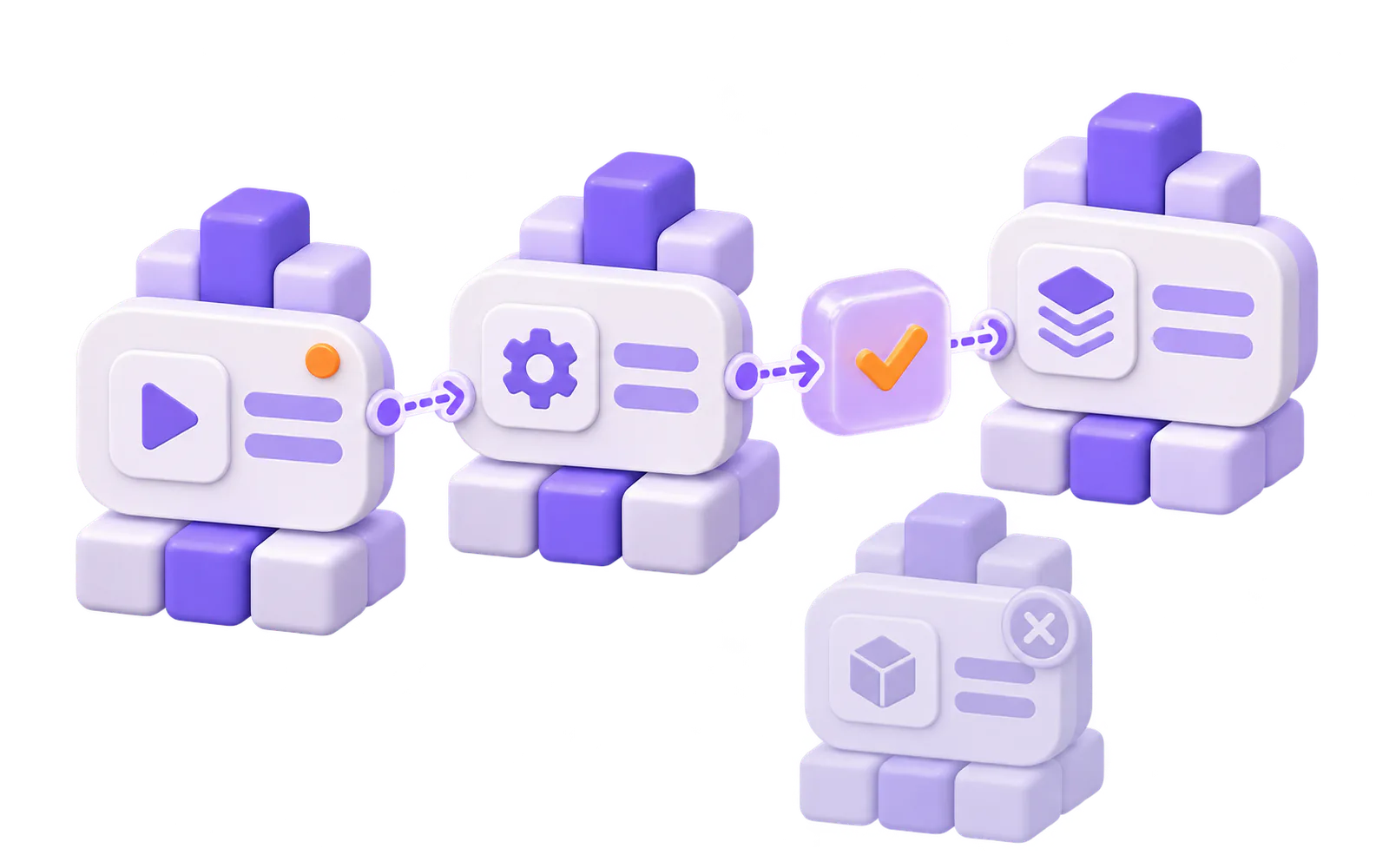
Node types are declared up front. Each operation checks ports, directions, data types and the cycle policy. A refused operation changes nothing, so people and agents can correct a graph before it is stored.
- Graph model
### Place the graph predictably.
Deterministic layered layout places nodes left to right or top to bottom, including right-to-left writing. Apply its moves as ordinary operations.
- Layout

### Edit visually. Keep control of history.
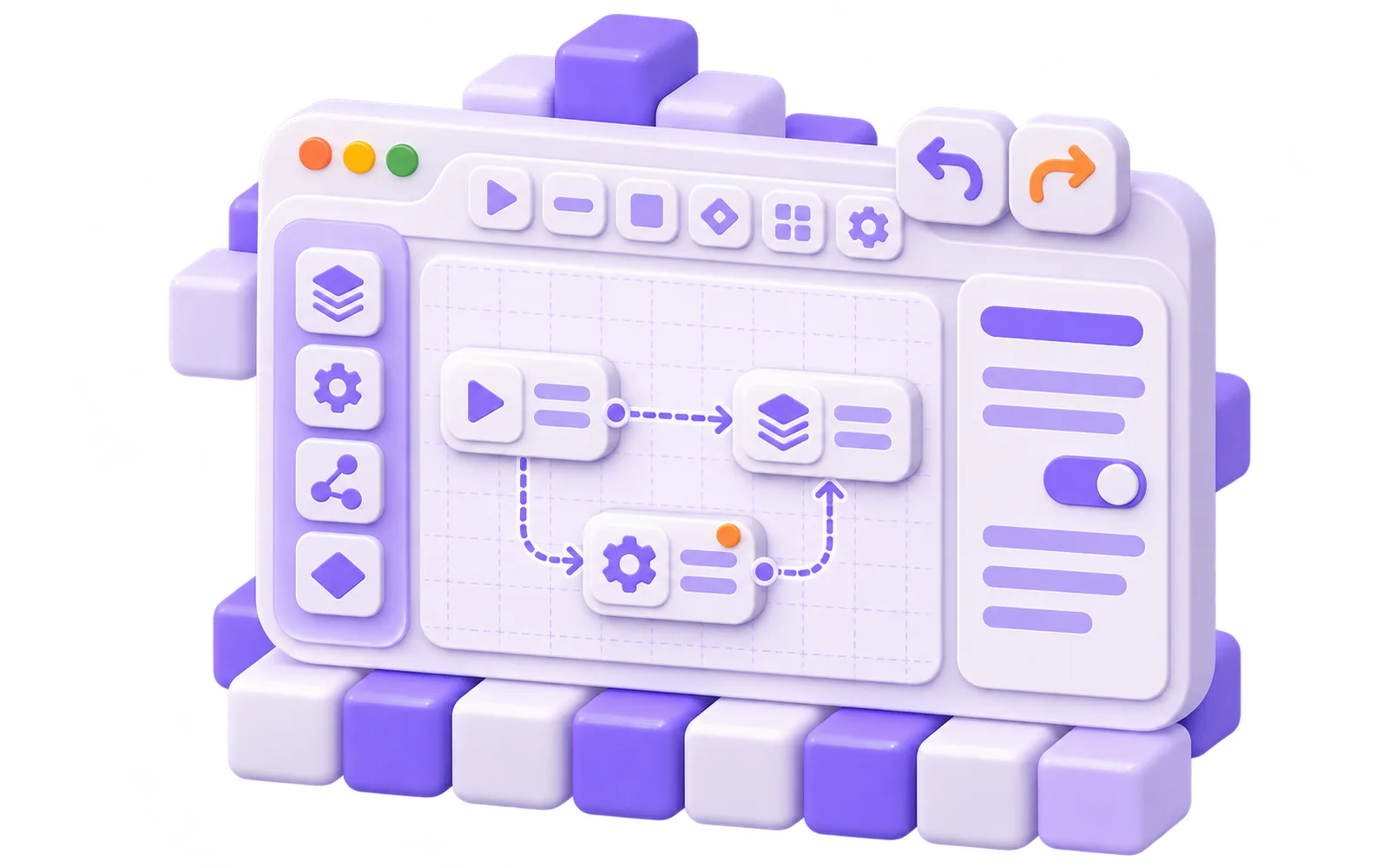
Build with a toolbar, palette, canvas, minimap, inspector and keyboard outline. Changes come back to your app; wire undo and redo through the history helper.
- Author
## From typed graph to editable view.
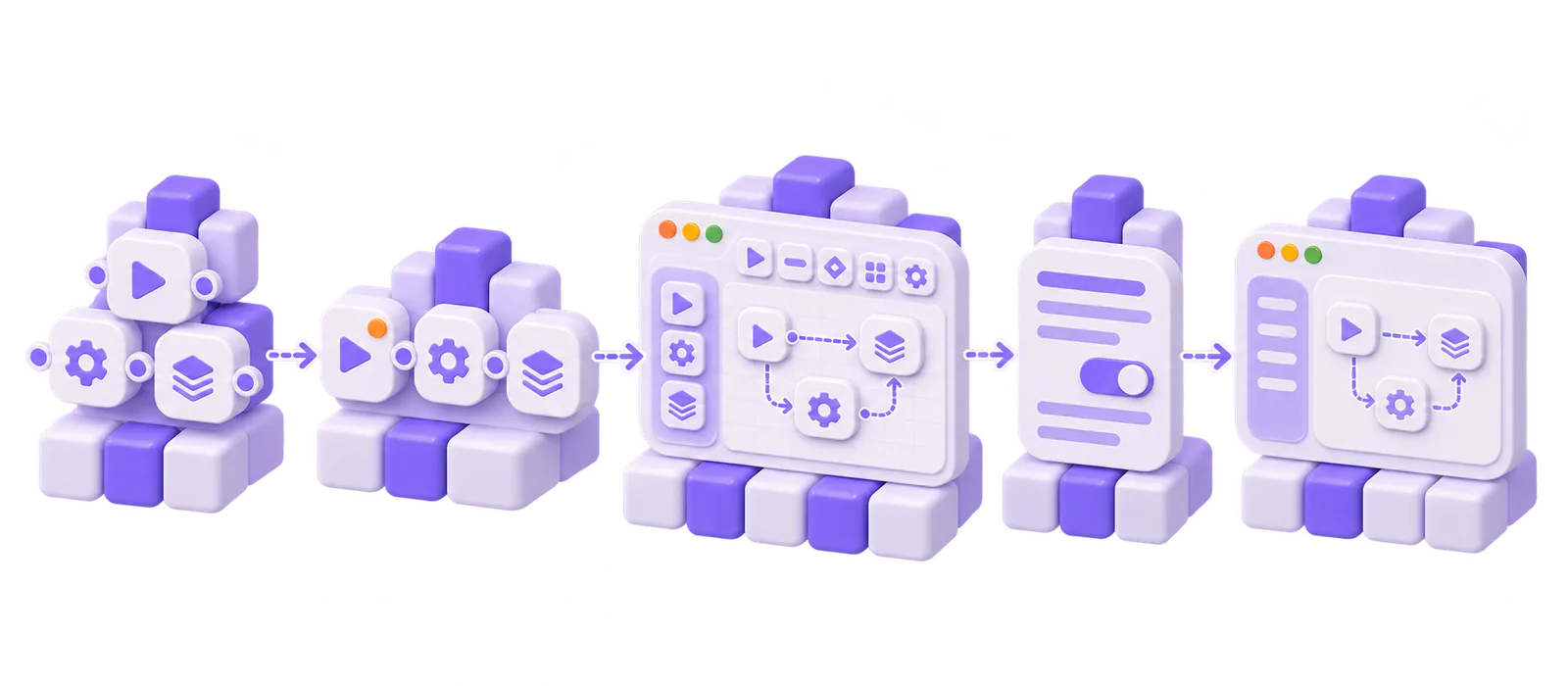
- ### Model Define node types, then apply validated operations to build the graph.Package: `@texuli/workflows`
- ### Lay out Place nodes deterministically, left to right or top to bottom.Package: `@texuli/workflows`
- ### Edit Use the canvas or keyboard outline; wire undo and redo through workflow history.Package: `@texuli/workflows`
- ### Inspect Edit the selected node’s typed props in the inspector.Package: `@texuli/workflows`
- ### View Show the same graph as a read-only figure that lists where each node leads.Package: `@texuli/workflows`
Workflows is built from @texuli/workflows, on texuli, @texuli/tokens, @texuli/primitives, @texuli/core and @texuli/drag.
Solution
Workflows
Packages
- L4[`@texuli/workflows`](https://www.npmjs.com/package/@texuli/workflows) Graph model, layout, editor, viewer and inspector Subpaths: ./model · ./layout · ./editor · ./viewer · ./inspector
Built on
- L3 `texuli` (Styled components)
- L2 `@texuli/tokens` (Theme tokens)
- L1 `@texuli/primitives` (Headless primitives)
- L0 `@texuli/core` (Texels and the URL policy)
- L0 `@texuli/drag` (Drag engine)
Build with Workflows
## Start with a workflow graph
### Install
```
pnpm add @texuli/workflows
```
### Create a graph
```
import { applyWorkflowOps, createWorkflow, defineNodeTypes } from '@texuli/workflows/model';
const registry = defineNodeTypes([
{
"type": "request",
"label": "Request",
"category": "Start",
"ports": [
{
"id": "out",
"direction": "out",
"dataType": "any"
}
]
},
{
"type": "approval",
"label": "Approval",
"category": "Review",
"ports": [
{
"id": "in",
"direction": "in",
"dataType": "any"
},
{
"id": "yes",
"direction": "out",
"dataType": "any",
"label": "Approved"
}
]
},
{
"type": "end",
"label": "End",
"category": "Done",
"ports": [
{
"id": "in",
"direction": "in",
"dataType": "any"
}
]
}
]);
const built = applyWorkflowOps(createWorkflow(), [
{
"op": "addNode",
"node": {
"id": "ask",
"type": "request",
"label": "Expense submitted",
"position": {
"x": 0,
"y": 0
}
}
},
{
"op": "addNode",
"node": {
"id": "lead",
"type": "approval",
"label": "Team lead",
"position": {
"x": 0,
"y": 0
}
}
},
{
"op": "addNode",
"node": {
"id": "paid",
"type": "end",
"label": "Paid",
"position": {
"x": 0,
"y": 0
}
}
},
{
"op": "connect",
"edge": {
"id": "e1",
"from": {
"node": "ask",
"port": "out"
},
"to": {
"node": "lead",
"port": "in"
}
}
},
{
"op": "connect",
"edge": {
"id": "e2",
"from": {
"node": "lead",
"port": "yes"
},
"to": {
"node": "paid",
"port": "in"
}
}
}
], { registry });
if (built.ok) {
console.log(built.graph.nodes.map((node) => node.id));
}
```
### Lay the graph out
```
import { layoutMoves, layoutWorkflow } from '@texuli/workflows/layout';
import { applyWorkflowOps, createWorkflow, defineNodeTypes } from '@texuli/workflows/model';
const registry = defineNodeTypes([
{
"type": "request",
"label": "Request",
"category": "Start",
"ports": [
{
"id": "out",
"direction": "out",
"dataType": "any"
}
]
},
{
"type": "approval",
"label": "Approval",
"category": "Review",
"ports": [
{
"id": "in",
"direction": "in",
"dataType": "any"
},
{
"id": "yes",
"direction": "out",
"dataType": "any",
"label": "Approved"
}
]
},
{
"type": "end",
"label": "End",
"category": "Done",
"ports": [
{
"id": "in",
"direction": "in",
"dataType": "any"
}
]
}
]);
const built = applyWorkflowOps(createWorkflow(), [
{
"op": "addNode",
"node": {
"id": "ask",
"type": "request",
"label": "Expense submitted",
"position": {
"x": 0,
"y": 0
}
}
},
{
"op": "addNode",
"node": {
"id": "lead",
"type": "approval",
"label": "Team lead",
"position": {
"x": 0,
"y": 0
}
}
},
{
"op": "addNode",
"node": {
"id": "paid",
"type": "end",
"label": "Paid",
"position": {
"x": 0,
"y": 0
}
}
},
{
"op": "connect",
"edge": {
"id": "e1",
"from": {
"node": "ask",
"port": "out"
},
"to": {
"node": "lead",
"port": "in"
}
}
},
{
"op": "connect",
"edge": {
"id": "e2",
"from": {
"node": "lead",
"port": "yes"
},
"to": {
"node": "paid",
"port": "in"
}
}
}
], { registry });
if (built.ok) {
const moves = layoutMoves(layoutWorkflow(built.graph, { direction: 'LR' }));
const laid = applyWorkflowOps(built.graph, [{ op: 'moveNodes', moves }], { registry });
if (laid.ok) {
console.log(laid.graph.nodes.length);
}
}
```
### Edit with WorkflowEditor
```
(graph = next)} />
```
Verified by `apps/website/tests/solutions/workflows-quickstart.test.ts`
## Recipes
- ### [Edit a workflow graph](https://texuli.com/guides/solutions/workflows/) Declare node types, apply operations, lay the graph out and mount the editor, step by step in the Workflows docs.
- ### [Preview a JSON blueprint](https://texuli.com/workflows-page/json/) Paste a workflow-graph JSON document and read the validator diagnostics.
- ### [Install the package (external site)](https://www.npmjs.com/package/@texuli/workflows) Add @texuli/workflows from npm (pre-1.0, in development).
## For agents
Agents emit a workflow-graph catalog node. Check it with catalog.validate or blueprint.validate. There is no MCP operation that runs a workflow. The packages are in development.
- [MCP server](https://texuli.com/mcp-server/)
- [Agent skill](https://texuli.com/skill/)
- [Building with agents](https://texuli.com/agents-page/)
- `workflow-graph` workflow-graph: In developmentCatalog component for a typed graph, view or edit, painted by @texuli/workflows.
- `catalog.validate` catalog.validate: In developmentMCP operation: validate a catalog tree, including a workflow-graph node.
- `blueprint.validate` blueprint.validate: In developmentMCP operation: the same check on a blueprint envelope.
- `skills/texuli/build-ui/references/recipes.md` skills/texuli/build-ui/references/recipes.md: In developmentSkill recipe for the workflow editor, viewer, inspector, model and layout.
## Platforms
- ### Web Web: In developmentSvelte 5 packages published on npm (pre-1.0).
- ### Compose Desktop Compose Desktop: PlannedKotlin Multiplatform renderer on the JVM, built in this repository.
- ### Android Android: PlannedNative renderer target.
- ### iOS iOS: PlannedNative renderer target.
[How the native renderer works](https://texuli.com/native/)
## More Solutions
- ### [Slides](https://texuli.com/solutions/slides/) Write decks as JSON or Markdown and present them in the browser.Status: in development
- ### [Documents](https://texuli.com/solutions/documents/) Edit, read, paginate and export block documents.Status: in development
- ### [Canvas](https://texuli.com/solutions/canvas/) An embeddable whiteboard with shapes, connectors and export.Status: in development
- ### [Sheets](https://texuli.com/solutions/sheets/) An embeddable spreadsheet with formulas and CSV.Status: in development
- ### [Design systems](https://texuli.com/solutions/design-systems/) Carry one brand document across Texuli surfaces.Status: available
- ### [Dashboards](https://texuli.com/solutions/dashboards/) KPI boards people arrange, from the keyboard too.Status: in development
- ### [Forms](https://texuli.com/solutions/forms/) Schema-driven forms with conditions, steps and drafts.Status: in development
- ### [Agent chat](https://texuli.com/solutions/agent-chat/) A thread whose replies paint validated blueprints.Status: in development
- ### [Rich text editor](https://texuli.com/solutions/editor/) Owned rich text with Markdown in and out, safe paste and export to any chat.Status: in development
## Start building with Workflows
Author and view workflow graphs inside your app.
[Build your first workflow graph](https://texuli.com/guides/solutions/workflows/)[@texuli/workflows on npm](https://www.npmjs.com/package/@texuli/workflows)
## For agents
Edit an approval flow: the live Workflows demo runs in the browser on fixture data. Runs in the browser on one fixture graph; nothing runs or is saved. The live parts run in the browser and are not in this Markdown; the operations below do the same work through the read-only MCP server at https://texuli.com/mcp (no sign-in; see https://texuli.com/auth.md).
Limits today:
- Pre-1.0 and in development: a new minor version may break the API.
- Texuli draws and edits the graph; it does not run workflows.
- No hosted persistence; the host app stores the graph.
MCP operations ([reference](https://github.com/DailybotHQ/texuli/blob/main/packages/tools/docs/ops.md#operations)):
- `catalog.search`: Search the component catalog.
- `component.get`: Read a component manifest.
- `blueprint.validate`: Validate a blueprint draft.
Docs:
- [Workflows docs](https://texuli.com/guides/solutions/workflows/)
- [@texuli/workflows README](https://github.com/DailybotHQ/texuli/blob/main/packages/workflows/README.md)