Turn scattered ideas into a clear board
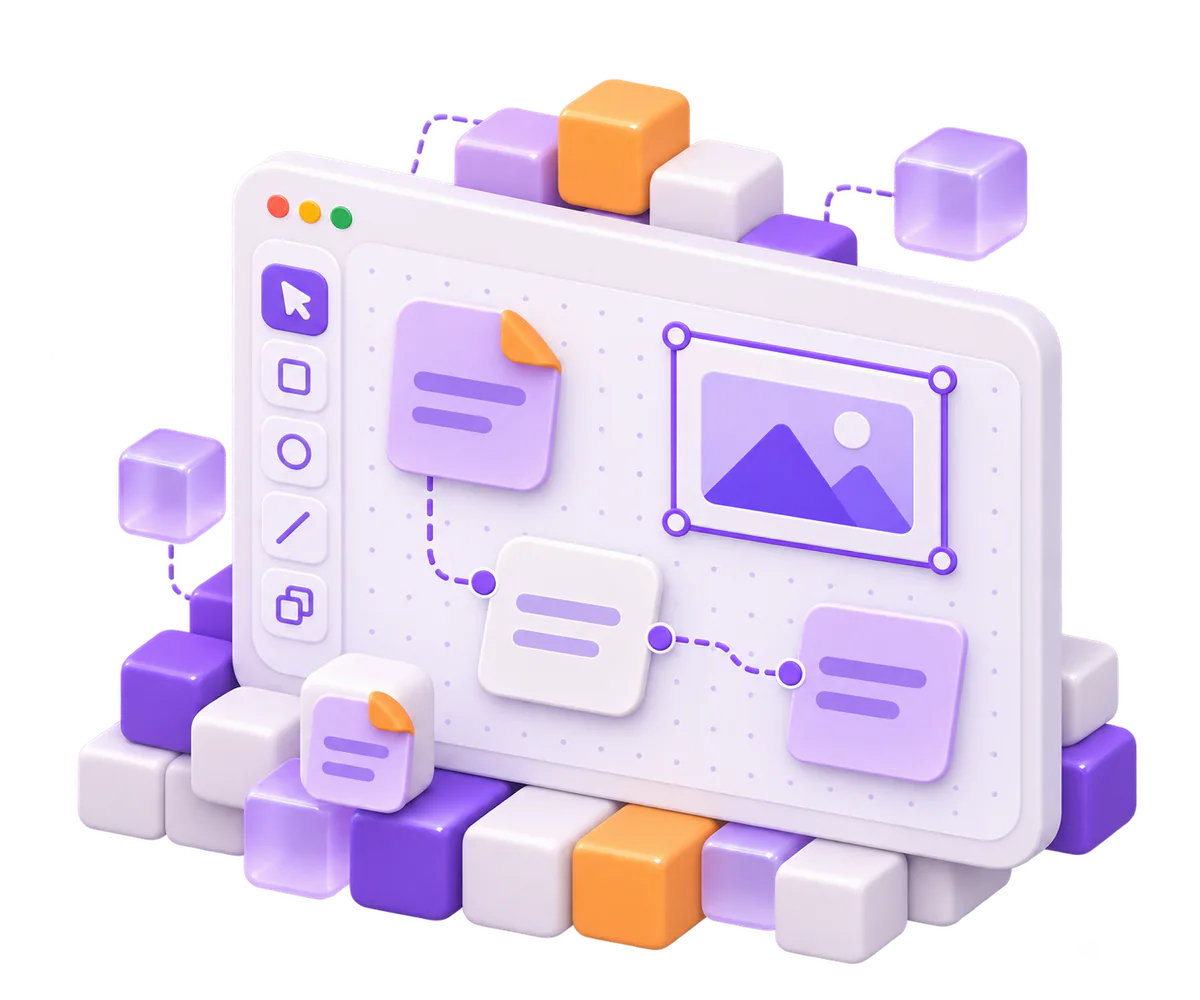
Arrange shapes, notes, images, frames and groups, then connect them with straight, elbow or curved lines. Snapping transforms and reversible operations keep each edit in the board history.
- Draw


Solution · Canvas
Shape ideas into a board, move through it with the keyboard, then export SVG or PNG. Your app owns persistence, image hosting and collaboration transport.
Status: in development
Try this
Use Reset to return to the starting example.
0 shapes selected
Launch plan canvas loaded. Select a shape or use the canvas controls.
Select a shape. Use the arrow keys to move it, or hold the selection toggle to choose two shapes to connect.
{
  "format": "texuli-canvas",
  "formatVersion": 1,
  "meta": {
    "title": "Launch plan",
    "locale": "en"
  },
  "grid": 8,
  "shapes": [
    {
      "id": "explore",
      "type": "frame",
      "title": "Explore",
      "x": 0,
      "y": 0,
      "width": 416,
      "height": 256,
      "children": [
        {
          "id": "interviews",
          "type": "sticky",
          "x": 24,
          "y": 48,
          "width": 168,
          "height": 144,
          "text": "Talk to twelve customers",
          "color": "yellow"
        },
        {
          "id": "prototype",
          "type": "sticky",
          "x": 216,
          "y": 48,
          "width": 168,
          "height": 144,
          "text": "Test the first prototype",
          "color": "pink"
        }
      ]
    },
    {
      "id": "decide",
      "type": "frame",
      "title": "Decide",
      "x": 496,
      "y": 0,
      "width": 416,
      "height": 256,
      "children": [
        {
          "id": "scope",
          "type": "sticky",
          "x": 520,
          "y": 48,
          "width": 168,
          "height": 144,
          "text": "Choose the beta scope",
          "color": "blue"
        },
        {
          "id": "quality",
          "type": "sticky",
          "x": 712,
          "y": 48,
          "width": 168,
          "height": 144,
          "text": "Write the quality bar",
          "color": "green"
        }
      ]
    },
    {
      "id": "build",
      "type": "frame",
      "title": "Build",
      "x": 992,
      "y": 0,
      "width": 416,
      "height": 256,
      "children": [
        {
          "id": "implementation",
          "type": "sticky",
          "x": 1016,
          "y": 48,
          "width": 168,
          "height": 144,
          "text": "Build the beta",
          "color": "purple"
        },
        {
          "id": "release",
          "type": "sticky",
          "x": 1208,
          "y": 48,
          "width": 168,
          "height": 144,
          "text": "Prepare the release",
          "color": "orange"
        }
      ]
    }
  ],
  "connectors": [
    {
      "id": "explore-to-decide",
      "from": {
        "shape": "prototype"
      },
      "to": {
        "shape": "scope"
      },
      "routing": "elbow",
      "endCap": "arrow"
    },
    {
      "id": "decide-to-build",
      "from": {
        "shape": "quality"
      },
      "to": {
        "shape": "implementation"
      },
      "routing": "curved",
      "endCap": "arrow"
    }
  ]
}
If the interactive demo cannot load, use the static preview above.
Arrange shapes, notes, images, frames and groups, then connect them with straight, elbow or curved lines. Snapping transforms and reversible operations keep each edit in the board history.
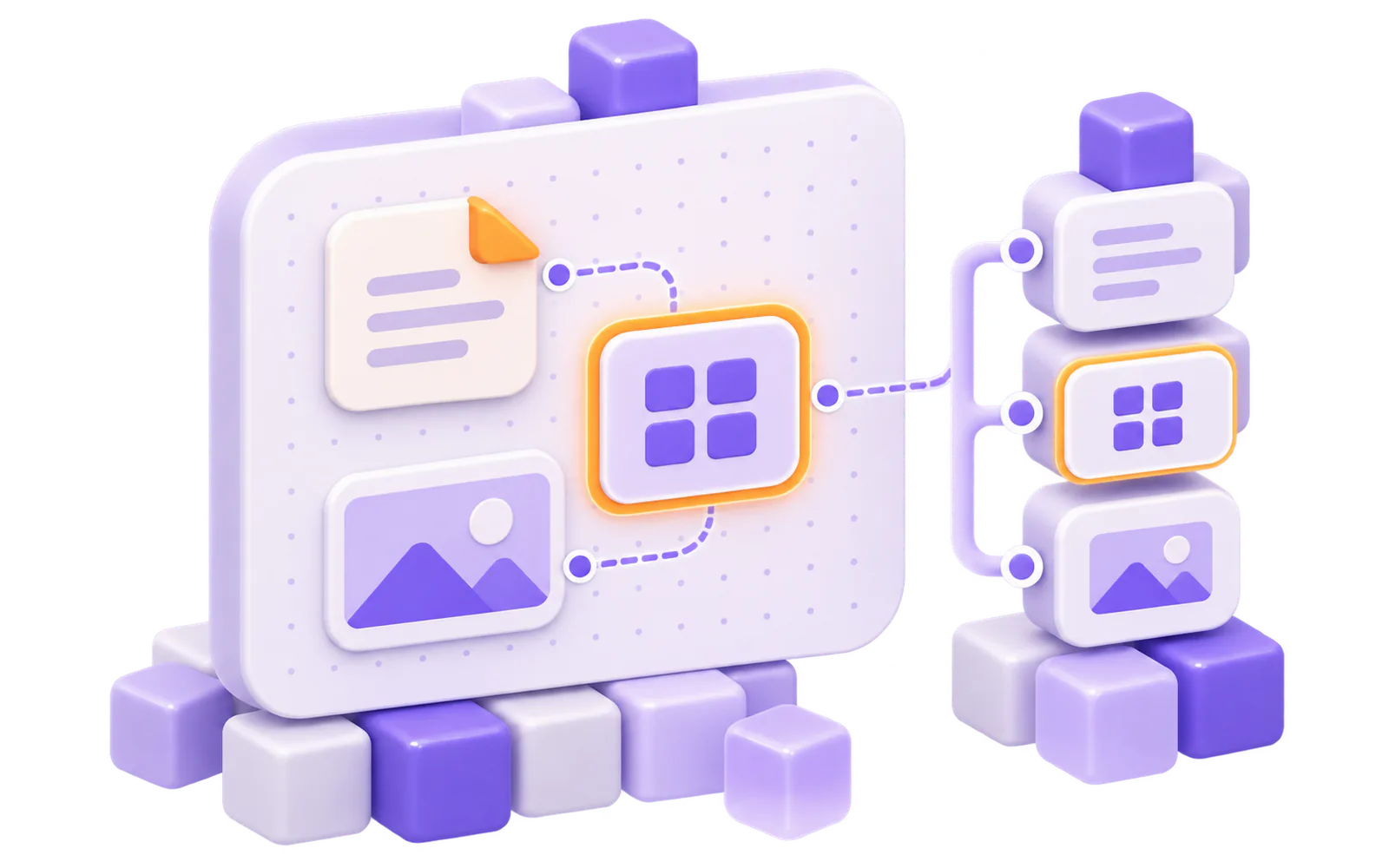
Move through shapes in reading order, or use the shape tree to find a shape or connector. Focus and edits stay visible and are announced as you work.
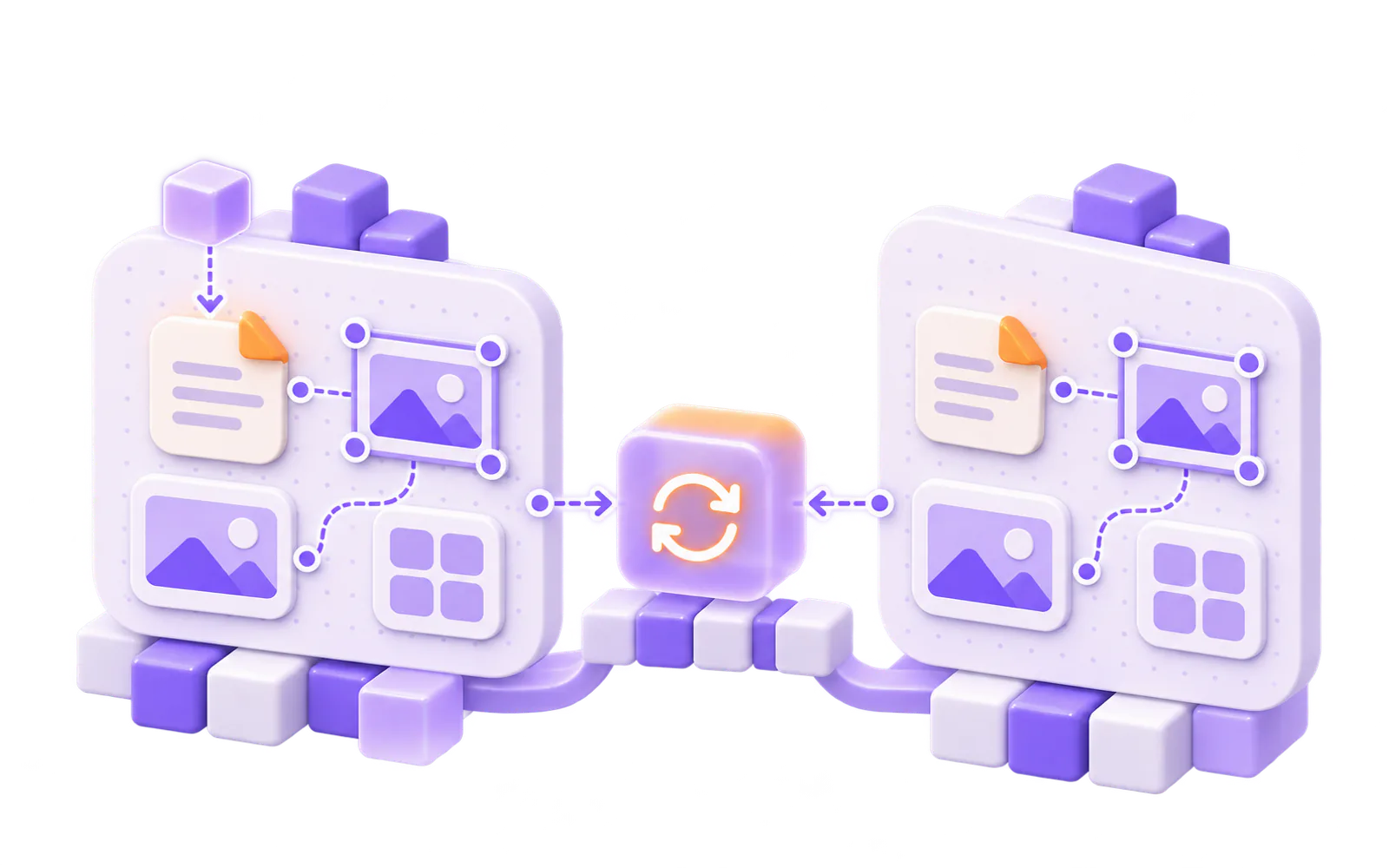
The document sync adapter validates each batch and applies the same canvas rules on every replica. Your app supplies the transport; Texuli does not host a realtime service.
Export escaped SVG or render a PNG in the browser. Text stays text in the SVG output, and image URLs follow the URL policy.
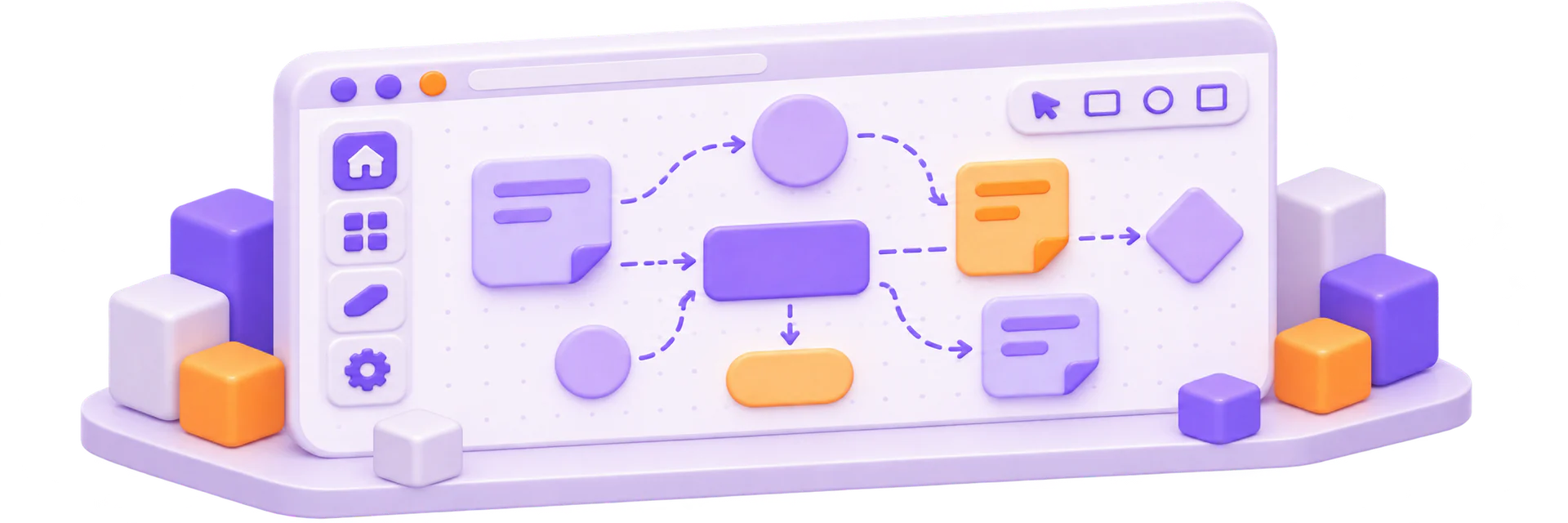
Define shapes and connectors as validated data with reversible operations.
Package: @texuli/canvas
Edit on a canvas with pan, zoom, snapping and transforms.
Package: @texuli/canvas
Show a read-only canvas with its structure as text and a shape tree.
Package: @texuli/canvas
Sync replicas through the document adapter; your app supplies transport.
Package: @texuli/canvas
Export SVG or browser-rendered PNG; image URLs follow the URL policy.
Package: @texuli/canvas
Solution
Canvas
Packages
@texuli/canvasCanvas model, editor, viewer, sync and exportSubpaths: ./model · ./editor · ./viewer · ./sync · ./exportBuilt on
texuli (Styled components)@texuli/document (Document engine)@texuli/core (Texels and the URL policy)@texuli/deck (Deck model and engine)@texuli/drag (Drag engine)
Build with Canvas
pnpm add @texuli/canvasimport { applyCanvasOps, createCanvas } from '@texuli/canvas/model';
const canvas = createCanvas({ title: 'Launch plan' });
const added = applyCanvasOps(canvas, [
{
op: 'add',
shape: { id: 'ship', type: 'sticky', x: 0, y: 0, width: 160, height: 160, text: 'Ship' },
},
]);
if (added.ok) {
console.log(added.doc.shapes.length);
}
import { loadUntrustedCanvas } from '@texuli/canvas/model';

const result = loadUntrustedCanvas({
  "format": "texuli-canvas",
  "formatVersion": 1,
  "meta": {
    "title": "Launch plan",
    "locale": "en"
  },
  "grid": 8,
  "shapes": [
    {
      "id": "ship",
      "type": "sticky",
      "x": 0,
      "y": 0,
      "width": 160,
      "height": 160,
      "text": "Ship the Northwind beta",
      "color": "yellow"
    }
  ],
  "connectors": []
});

if (result.ok) {
  console.log(result.canvas.shapes.map((shape) => shape.id));
}
<script lang="ts">
  import { CanvasEditor } from '@texuli/canvas/editor';
  import { loadUntrustedCanvas } from '@texuli/canvas/model';
  import '@texuli/tokens/base.css';

  const loaded = loadUntrustedCanvas({"format":"texuli-canvas","formatVersion":1,"meta":{"title":"Launch plan","locale":"en"},"grid":8,"shapes":[{"id":"ship","type":"sticky","x":0,"y":0,"width":160,"height":160,"text":"Ship the Northwind beta","color":"yellow"}],"connectors":[]});
  let canvas = $state.raw(loaded.ok ? loaded.canvas : null);
</script>

{#if canvas}
  <CanvasEditor bind:canvas />
{/if}
Verified by apps/website/tests/solutions/canvas-quickstart.test.ts
Mount the editor on a canvas document, then export it, step by step in the Canvas docs.
Add @texuli/canvas from npm (pre-1.0, in development).
Agents emit a canvas as data through the canvas catalog id. The host app checks it with validateDraft and the canvas check before painting; the remote MCP server refuses canvas nodes. The packages are in development.
canvascanvas: In developmentCatalog component that carries a whole canvas in its canvas prop.
validateDraftvalidateDraft: In developmentCatalog check; canvas nodes pass only with the checkCanvas hook from the canvas host.
skills/texuli/blueprints/SKILL.mdskills/texuli/blueprints/SKILL.md: In developmentSkill stage J: forms, canvases, sheets and data sources as agent data.
Svelte 5 packages published on npm (pre-1.0).
Kotlin Multiplatform renderer on the JVM, built in this repository.
Native renderer target.
Native renderer target.
An embeddable whiteboard with shapes, connectors and export.