Solution · Documents

Documents you can edit, read and export.

One block model behind the editor, the reader and every export. Each edit can be undone, and Markdown, DOCX and PDF come from the same source.

Status: in development

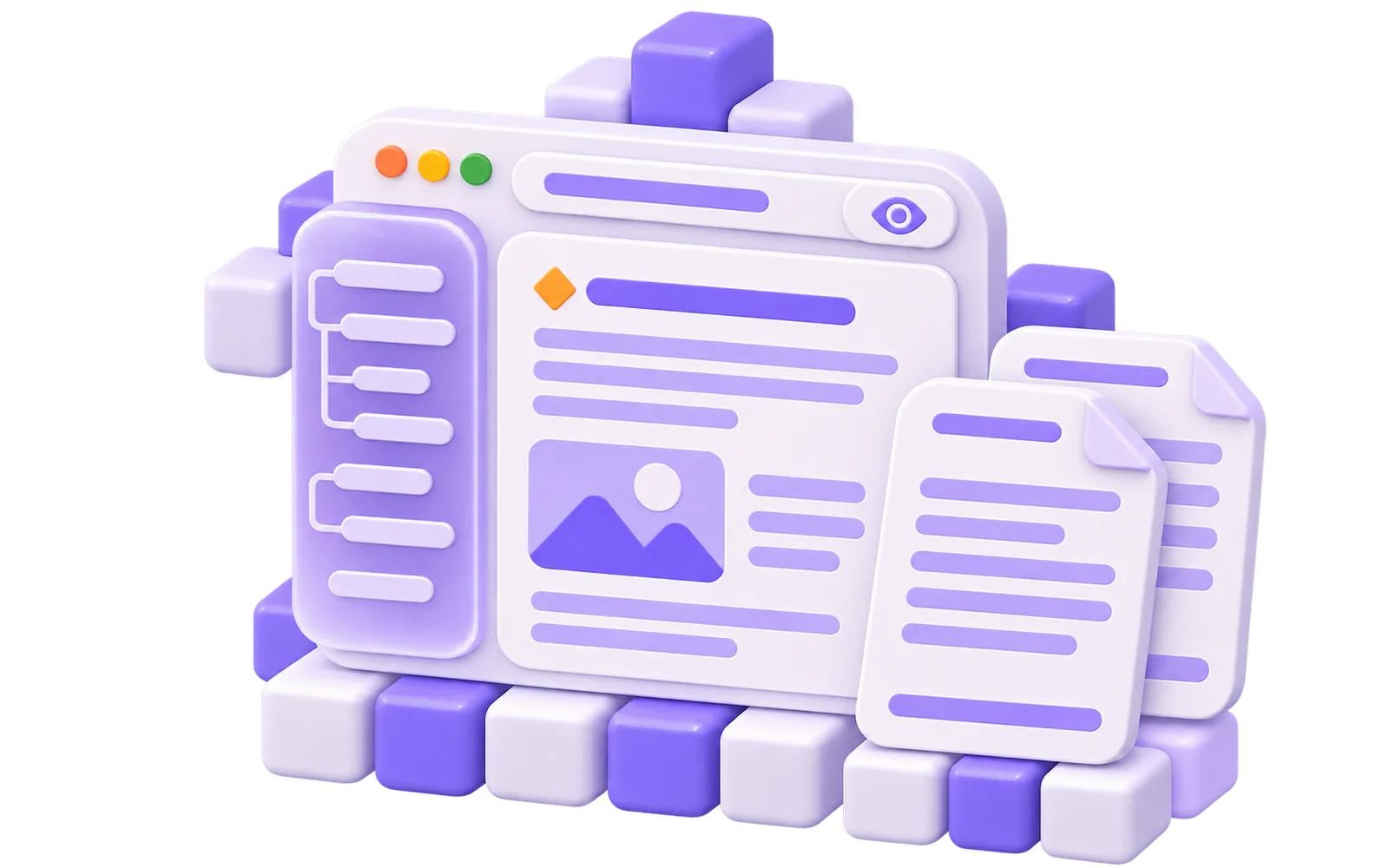
Isometric stacked document pages and a lilac-glass table of contents assembling from cubes

Edit a real report

Try this

  • Start the demo, then rename the report title or add a block.
  • Undo and redo your edits, or switch between editing and reading.
  • Use Reset example to return to the starting report.

Use Reset to return to the starting example.

Lumen quarterly product report

Lumen is a fictional note-taking app. This report sums up the quarter for the team.

Highlights

  • Offline mode shipped to every workspace.

  • Search results now load in one round trip.

  • Every dialog passed a keyboard-only review.

Metrics

The numbers below are sample data, not real usage.

The metrics block renders in the interactive demo.
The report preview is ready; editing tools load when you start.

If the interactive demo cannot load, use the static preview above.

One document. Every way to work with it.

Edit without fear: every change can be undone

Each change is a typed operation with an exact inverse, kept in one op log, so undo and redo always work. The editor adds a slash menu of every block type and block drag with keyboard equivalents.

  • Edit
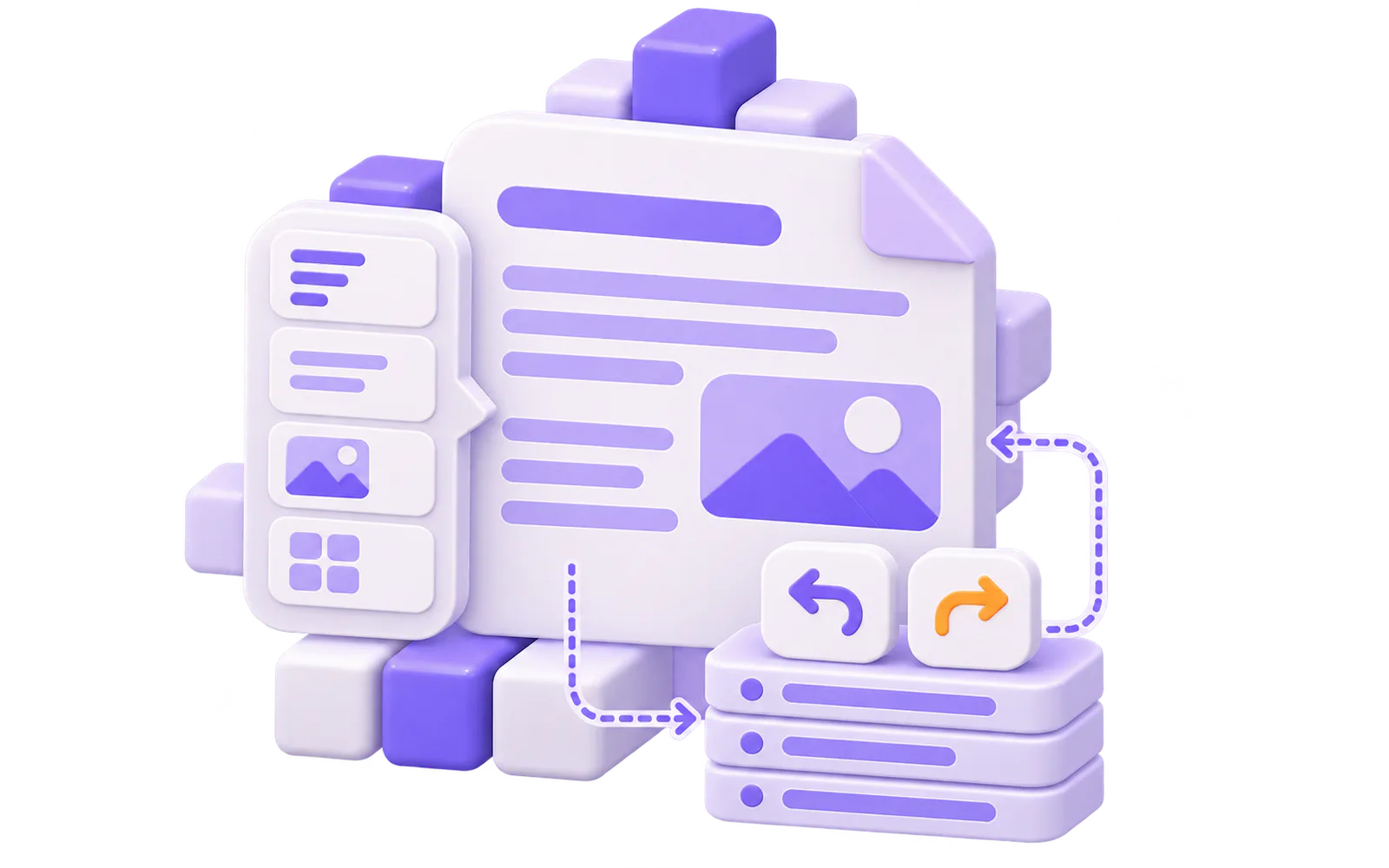
A document page with a slash-menu card of block cubes and a rewind pair of chevron tiles

From the editor to the reader to the printed page

A read-only reader gives headings anchors and an outline. The paged view lays the same document out on real pages with headers and footers, and prints one sheet per page. Editing in the paged view is planned.

  • Read
  • Paged-view editing(planned)
A read-only document with a lilac outline rail beside two physical pages that have header and footer bars

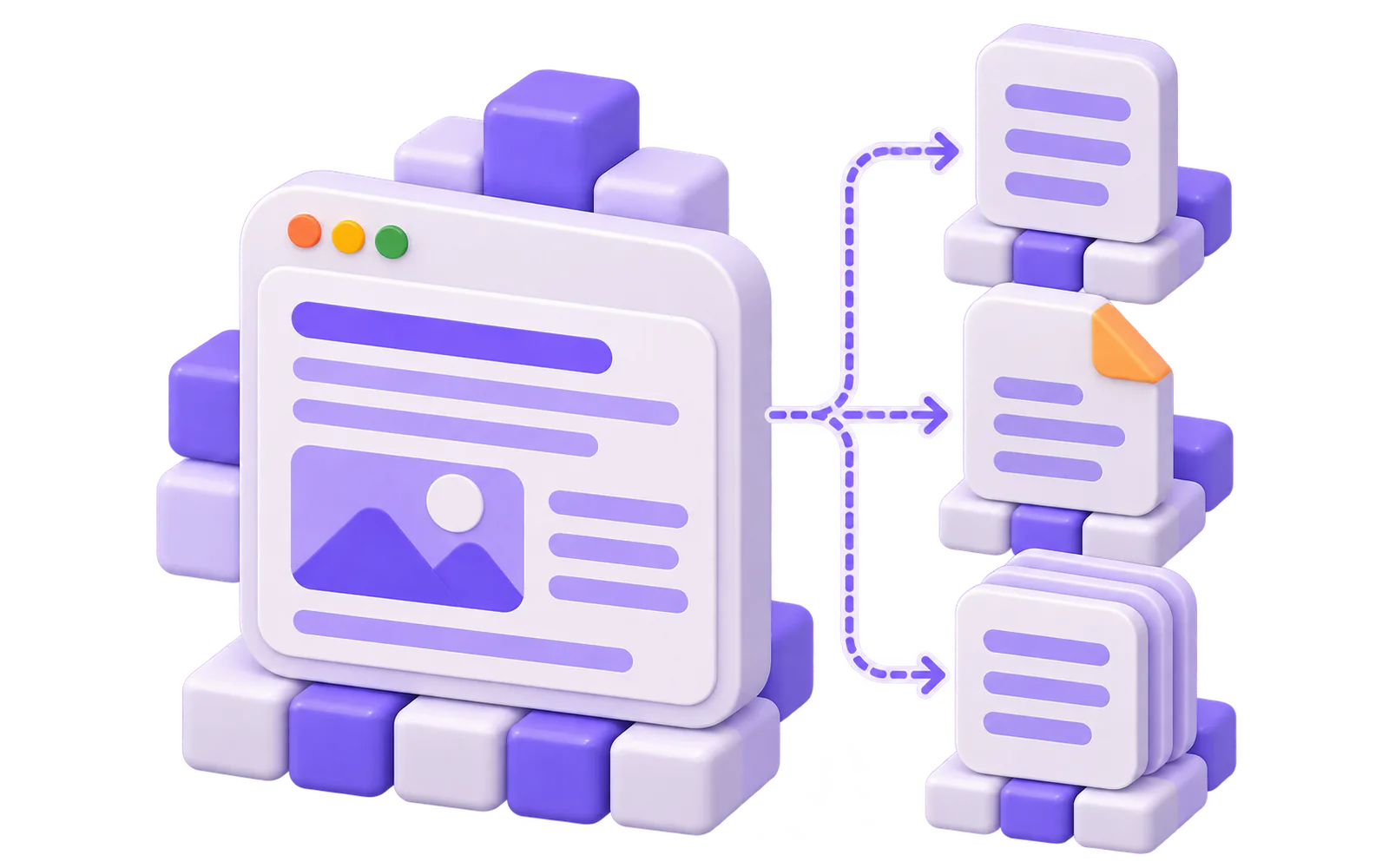
One source, three formats

Import and export Markdown, and write DOCX and PDF with writers Texuli owns. Every format comes from the same block document, so nothing is converted by hand.

  • Export
One block document splitting into three export tiles: a skeleton sheet, a folded page and a stacked print page

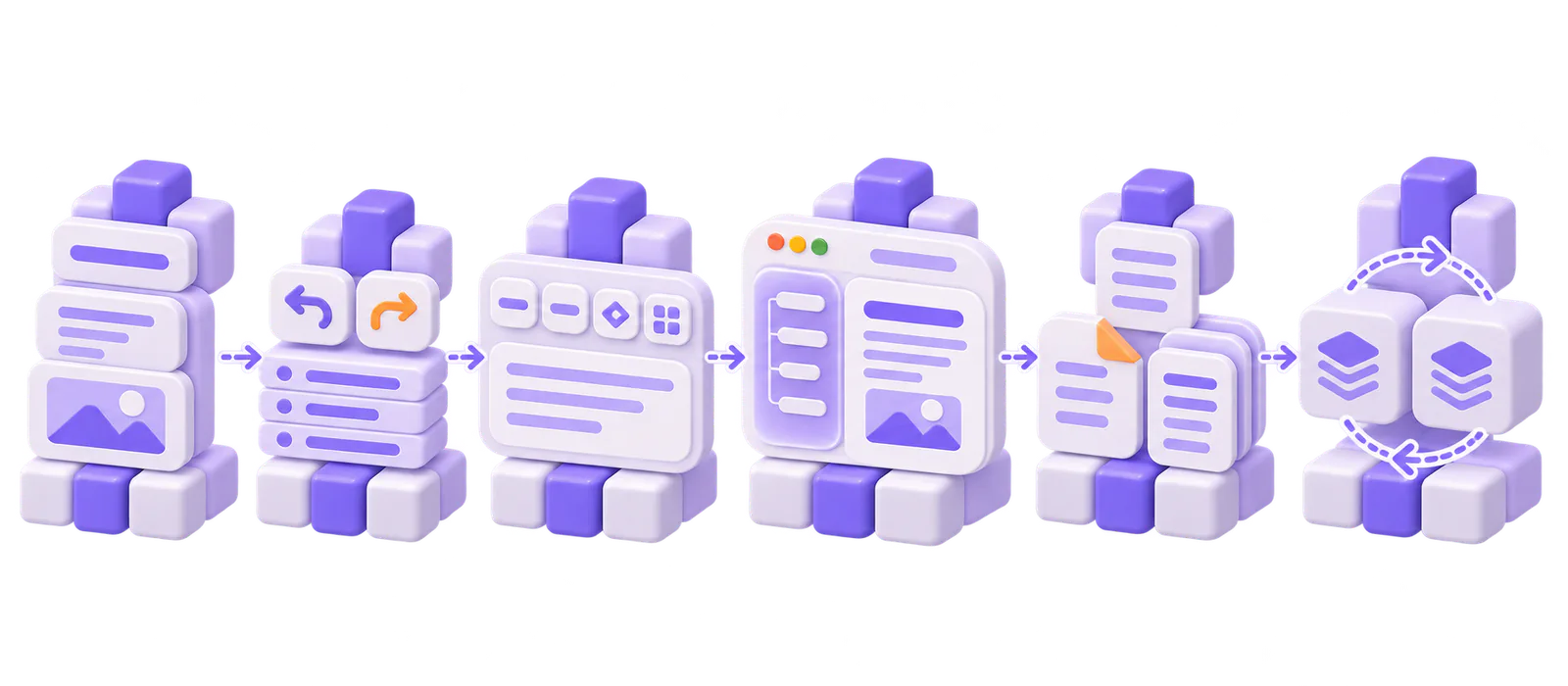
From blocks to a finished document.

  1. Author

    Compose typed blocks with persisted ids, or load a document from an agent or a file through the untrusted loader.

    Package: @texuli/document

  2. Edit with operations

    Every change is a typed operation with an exact inverse in one op log, so undo and redo share one history.

    Package: @texuli/document

  3. Write rich text

    A formatting toolbar, a link dialog, safe paste, and Markdown in and out.

    Package: @texuli/editor

  4. Edit and read

    The page editor adds a slash menu and block drag with keyboard equivalents; the reader shows the result read-only, with an outline.

    Package: @texuli/pages

  5. Export

    Markdown, DOCX and PDF from writers Texuli owns; the pages export entry hands the file to the browser.

    Package: @texuli/document

  6. Sync, if you need it

    The CRDT sync core merges edits from several replicas; the collaborative editor adds comments, suggestions and version history. Your app supplies the transport.

    Package: @texuli/document

Documents is built from @texuli/pages, @texuli/editor and @texuli/document, on @texuli/player, @texuli/blocks, texuli, @texuli/tokens, @texuli/primitives, @texuli/core, @texuli/deck and @texuli/drag.

Solution

Documents

Packages

  • L8@texuli/pagesEditor, reader, exports and collaboration surfacesSubpaths: ./editor · ./reader · ./export · ./collab
  • L4@texuli/editorRich text surface inside the document editorSubpaths: ./editor · ./markdown
  • L1@texuli/documentDocument model, operations, Markdown, pagination, DOCX and PDF writers, syncSubpaths: ./model · ./ops · ./markdown · ./paged · ./docx · ./pdf · ./sync

Built on

  • L7@texuli/player (Blueprint player)
  • L5@texuli/blocks (Content blocks)
  • L3texuli (Styled components)
  • L2@texuli/tokens (Theme tokens)
  • L1@texuli/primitives (Headless primitives)
  • L0@texuli/core (Texels and the URL policy)
  • L0@texuli/deck (Deck model and engine)
  • L0@texuli/drag (Drag engine)
Six-beat isometric pipeline from block cubes through an op log, an editor, a reader, export tiles and two merging replicas

Build with Documents

Start with a document

Install

pnpm add @texuli/document @texuli/pages @texuli/editor @texuli/tokens

Create and edit

import { createDocument, paragraphBlock } from '@texuli/document/model';
import { applyOperations } from '@texuli/document/ops';
import { documentToMarkdown } from '@texuli/document/markdown';

const doc = createDocument({
  meta: { title: 'Release notes' },
  blocks: [paragraphBlock('p1', 'Shipped the new editor.')],
});

const edit = applyOperations(doc, [
  { op: 'insert-text', id: 'p1', offset: 0, text: 'Today: ' },
]);

if (edit.ok) {
  console.log(documentToMarkdown(edit.document));
}

Load untrusted JSON

import { loadUntrustedDocument } from '@texuli/document/schema';

const result = loadUntrustedDocument({
  "format": "texuli-document",
  "formatVersion": 1,
  "meta": {
    "title": "Release notes",
    "locale": "en"
  },
  "blocks": [
    {
      "id": "p1",
      "type": "paragraph",
      "content": [
        {
          "type": "text",
          "text": "Shipped the new editor.",
          "marks": []
        }
      ]
    }
  ]
});

if (result.ok) {
  console.log(result.document.blocks.length);
}

Edit with PageEditor

<script lang="ts">
  import { createDocument, paragraphBlock } from '@texuli/document/model';
  import { PageEditor } from '@texuli/pages/editor';
  import '@texuli/tokens/base.css';

  let doc = $state.raw(
    createDocument({
      meta: { title: 'Release notes' },
      blocks: [paragraphBlock('p1', 'Shipped the new editor.')],
    }),
  );
</script>

<PageEditor document={doc} onChange={(next) => (doc = next)} />

Verified by apps/website/tests/solutions/documents-quickstart.test.ts

Recipes

For agents

Agents write a document as data, edit it with bounded patches, and convert it to and from Markdown. The packages are in development.

  • document.rundocument.run: In development

    MCP operation: validate, inspect, patch and convert a document, from Markdown and to Markdown.

  • document.exportdocument.export: In development

    MCP operation on the local server: write a document as PDF or DOCX bytes.

  • documentdocument: In development

    Catalog component that carries a whole document inside a blueprint.

  • skills/texuli/blueprints/references/documents.mdskills/texuli/blueprints/references/documents.md: In development

    Skill reference for documents as data and their patches.

Platforms

  • Web

    Web: In development

    Svelte 5 packages published on npm (pre-1.0).

  • Compose Desktop

    Compose Desktop: Planned

    Kotlin Multiplatform renderer on the JVM, built in this repository.

  • Android

    Android: Planned

    Native renderer target.

  • iOS

    iOS: Planned

    Native renderer target.

How the native renderer works

Start building with Documents

Edit, read, paginate and export block documents.

A low horizon of stacked cubes rising to one glowing pearl cube under a wide open skyA low horizon of stacked cubes rising to one glowing pearl cube under a wide open sky